Why Cost Tracking is the Achilles' Heel of Construction Contractors
Margins in construction are paper-thin. You know this. On paper, a project may look profitable, but by the time all costs are tallied, the actual margin can be razor-thin—or worse, negative. Why does this happen? Because most contractors don’t have real-time visibility into project costs.
Here’s a scenario we see too often: A ₹50 Cr project starts with a solid BOQ (Bill of Quantities) and a detailed estimate. But as the project progresses, unapproved material requisitions, delayed subcontractor bills, and manual tracking chaos pile up. By the time the project manager flags the overspend, it’s too late to recover. Sound familiar?
The Real Cost of Poor Cost Tracking
According to Xpedeon, contractors lose 3-5% of their margins due to poor cost tracking. For a ₹100 Cr company, that’s ₹3-5 Cr evaporating annually. And these aren’t hypothetical losses—they’re real, documented leaks:
- Duplicate material orders because nobody checked the stock.
- Subcontractor progress payments released without proper measurement approvals.
- Missed billing opportunities due to inaccurate scope tracking.
If you’re managing costs on Excel, you’re flying blind. Spreadsheets weren’t built for the complexity of modern construction projects.
How ERP Fixes Cost Tracking Problems
Here’s the good news: The right construction ERP doesn’t just track costs—it prevents them from spiraling out of control. Take JobNext, for example. It provides real-time cost tracking across BOQs, scopes, and estimates. Every material requisition, subcontractor work order, and progress bill flows through a structured approval chain. Nothing gets missed.
Practical Example: Material Requisition to Purchase Order
Let’s break it down. Imagine you need 10,000 bags of cement for a project. Without an ERP, this often turns into a guessing game:
- Site engineer raises a requisition.
- Procurement team manually checks stock and vendor quotes.
- Final purchase order gets delayed, leading to either stockouts or rushed (and expensive) emergency purchases.
With a system like JobNext, the workflow looks different:
- Material Requisition (MR): The site engineer raises an MR in the system, specifying quantities.
- Stock Check: The system automatically checks available stock across all warehouses.
- RFQ Generation: If additional stock is needed, an automated RFQ (Request for Quotation) is sent to pre-approved vendors.
- Vendor Offers: Vendor responses are recorded in the system, making comparisons easy.
- Approval Workflow: The purchase order only moves forward after multi-level approvals.
Every step is tracked, timestamped, and mapped to the project’s BOQ. No more rogue purchases. No more overspend.
Real Results
One of our clients, a general contractor running 25 concurrent projects, reduced material procurement costs by 12% within 6 months of adopting JobNext. How? By enforcing structured workflows and eliminating manual errors. You can read more about this kind of transformation in Why Poor Cost Tracking is Killing Contractors — And How Cloud ERP Fixes It.
Why Real-Time Visibility Matters
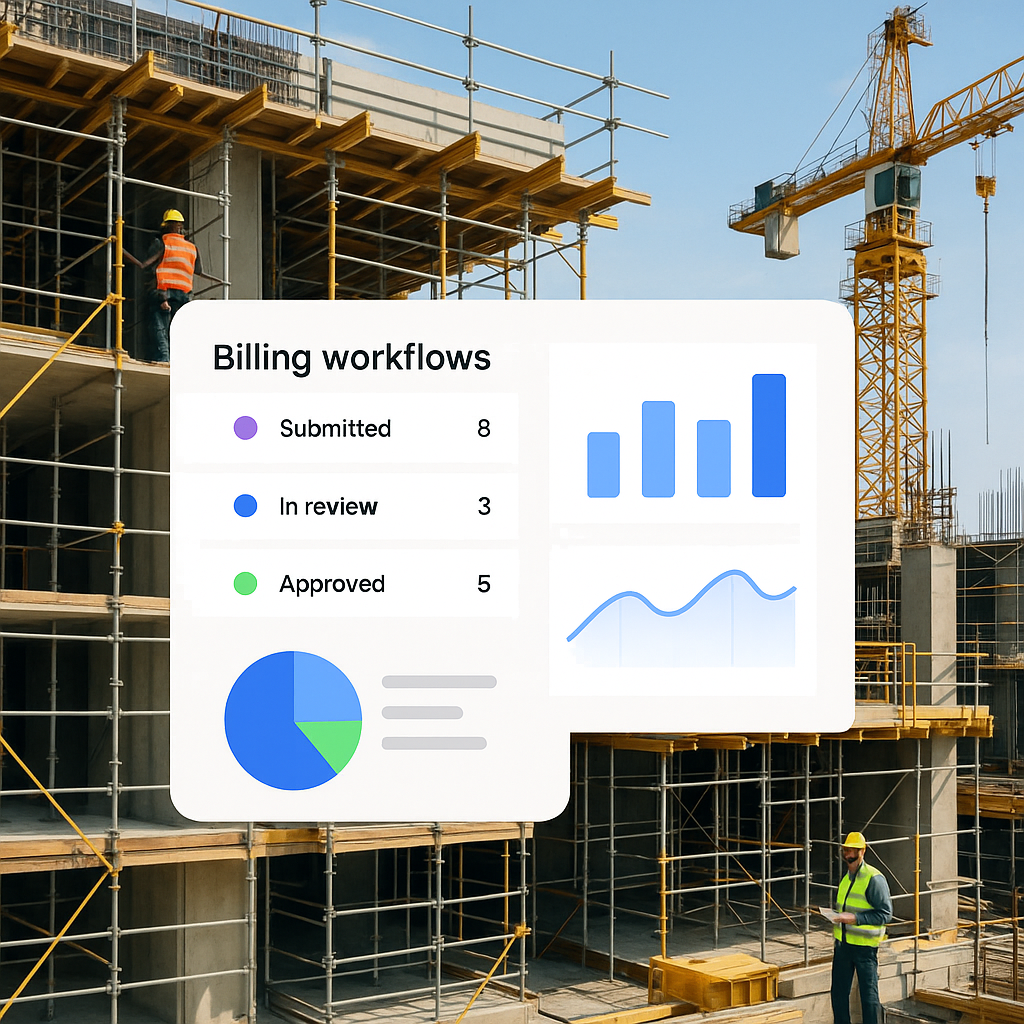
Let’s face it: Construction sites are chaotic. Without real-time dashboards, you’re always reacting instead of planning. A good ERP offers live dashboards that show:
- Actual vs. estimated costs for every BOQ line item.
- Pending approvals for material requisitions, work orders, and progress bills.
- Project-level profitability updated daily.
When you can see your costs in real time, you can take corrective actions before they snowball. That’s the difference between finishing a project with a 15% margin and barely breaking even.
The Bottom Line
If you’re still managing costs manually or using disconnected tools, you’re risking margin erosion every day. A construction ERP like JobNext doesn’t just simplify workflows—it ensures every rupee is accounted for.
Don’t wait until your next project bleeds money. Start tracking costs in real time. Start building profitability into your processes.
Want to see how JobNext can help your projects? Book a demo today.
Learn more at SoftNext Solutions