₹12 Lakh Lost Every Year: How Revenue Leakage Happens
If you're running multiple projects, you've likely encountered this nightmare: invoices that don't match measurement sheets, delayed Running Account (RA) bills because someone forgot to append the recoveries section, or even work that has been completed but never billed. It's frustrating, inefficient, and worst of all — it’s costing you money.
According to SoftNext's article on billing gaps, Indian contractors are losing an average of ₹12 lakh annually due to billing inefficiencies. That’s over ₹1 lakh every month — money that could’ve been reinvested into your business. The good news? This isn’t an unsolvable problem.
The Real Problem: Manual Billing Chaos
Most contractors don’t lose revenue because they’re bad at their jobs. They lose revenue because of outdated systems and processes that can’t keep up with the complexities of modern construction projects. Let’s break this down:
1. Disconnected Systems
Billing data lives in a spreadsheet, measurement sheets are on paper, and financials are in Tally. These systems don’t talk to each other, which means information has to be manually transferred or reconciled. This is where errors creep in — and where delays happen.
2. Inflexible Billing Methods
Your project might require stage-wise billing, but your existing system only supports monthly invoices. This mismatch creates delays and often leads to disputes with clients who expect billing to match project milestones.
3. Human Errors
Recoveries, deductions, and combined billing methods are inherently complex. One missed line item or miscalculation can cost you lakhs. Worse, these errors often go unnoticed until it’s too late to fix them.
Real-World Examples of How Revenue Leakage Happens
Let’s put this into perspective with some common scenarios:
Scenario 1: Missed Recoveries
Imagine you’ve taken an advance of ₹50 lakhs from a client for materials. Your accountant forgets to deduct this from the RA bill. By the time you notice, the client has already paid the invoice, and recovering the amount becomes a painful negotiation.
Scenario 2: Delayed RA Bills
You’ve completed work worth ₹1 crore this month, but the RA bill isn’t submitted on time because someone couldn’t validate the measurement sheet. The client delays payment, and your cash flow takes a hit.
Scenario 3: Disputed Invoices
Your client disputes an invoice because it doesn’t match their stage-wise billing expectations. You spend weeks going back and forth, delaying payments further.
ERP: The Fix for Billing Revenue Loss
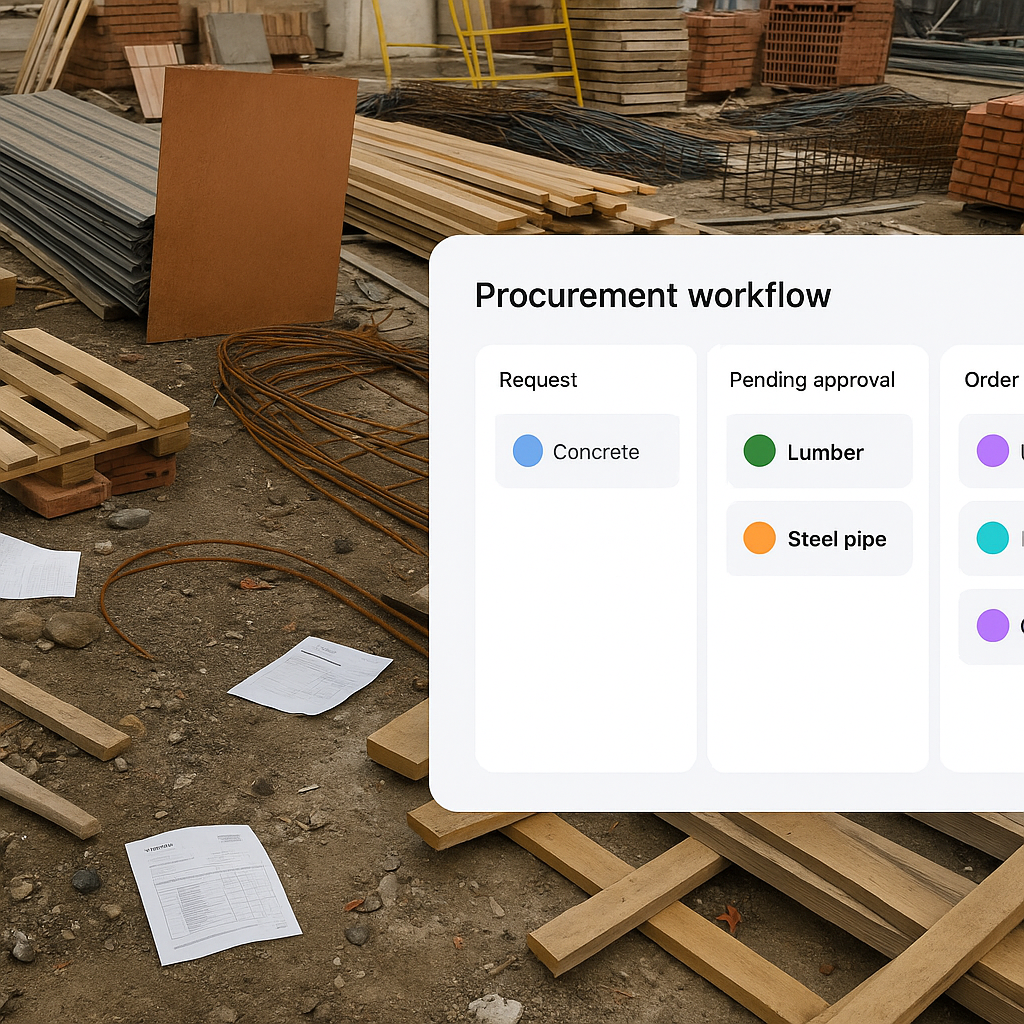
A good Construction ERP system like JobNext can eliminate these inefficiencies through structured workflows and automation. Let’s explore how:
1. Support for Multiple Billing Methods
JobNext supports six billing methods, including RA bills, stage-wise billing, monthly invoices, BOQ-based billing, combined bills, and one-time invoices. No matter how your contract is structured, the system can handle it.
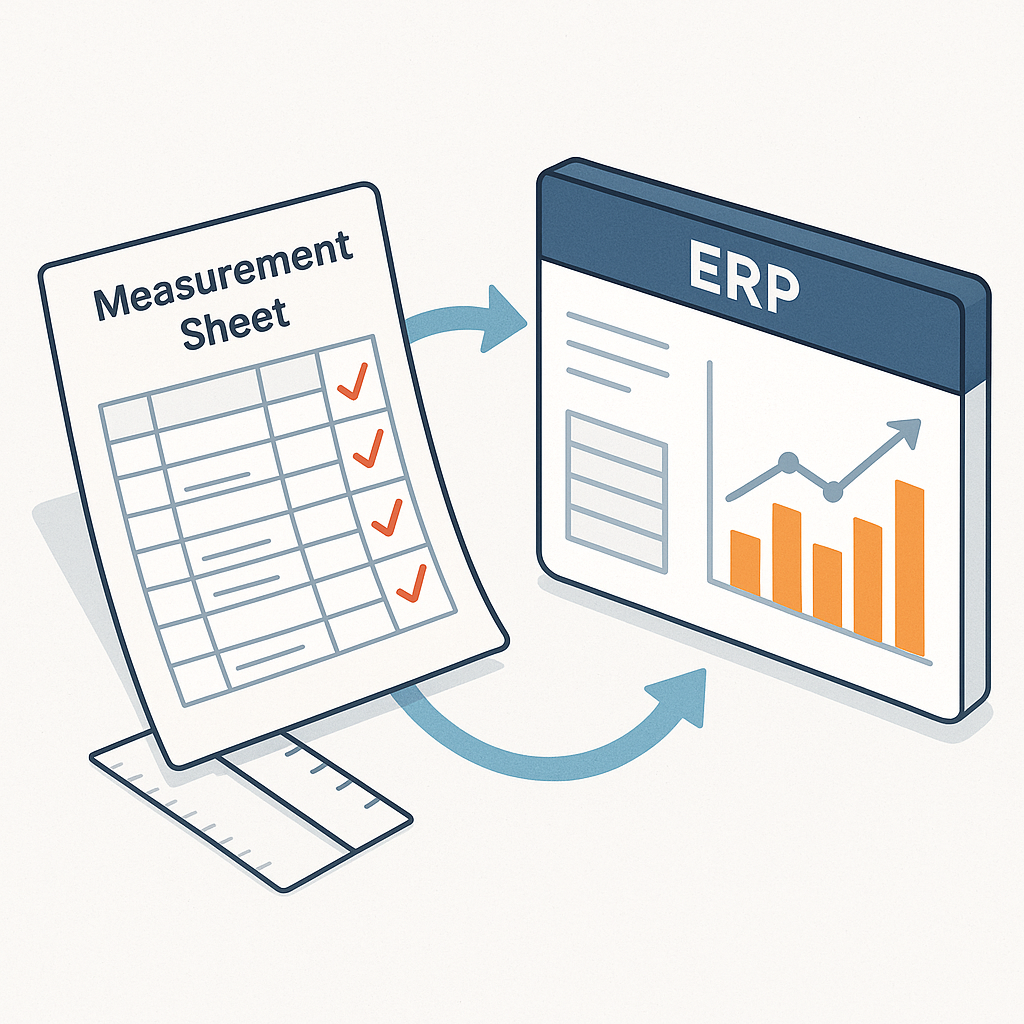
2. Measurement-to-Invoice Automation
Measurements feed directly into the billing module. This eliminates manual re-entry and ensures that no work goes unbilled. For example:
- You enter measurements into the system once.
- The system automatically calculates the billable amount.
- Recoveries and deductions are applied automatically.
3. Enforced Recoveries
The ERP automatically enforces recoveries for material advances, penalties, and other deductions. This ensures that every invoice is accurate and compliant with your contractual terms.
4. Real-Time Insights
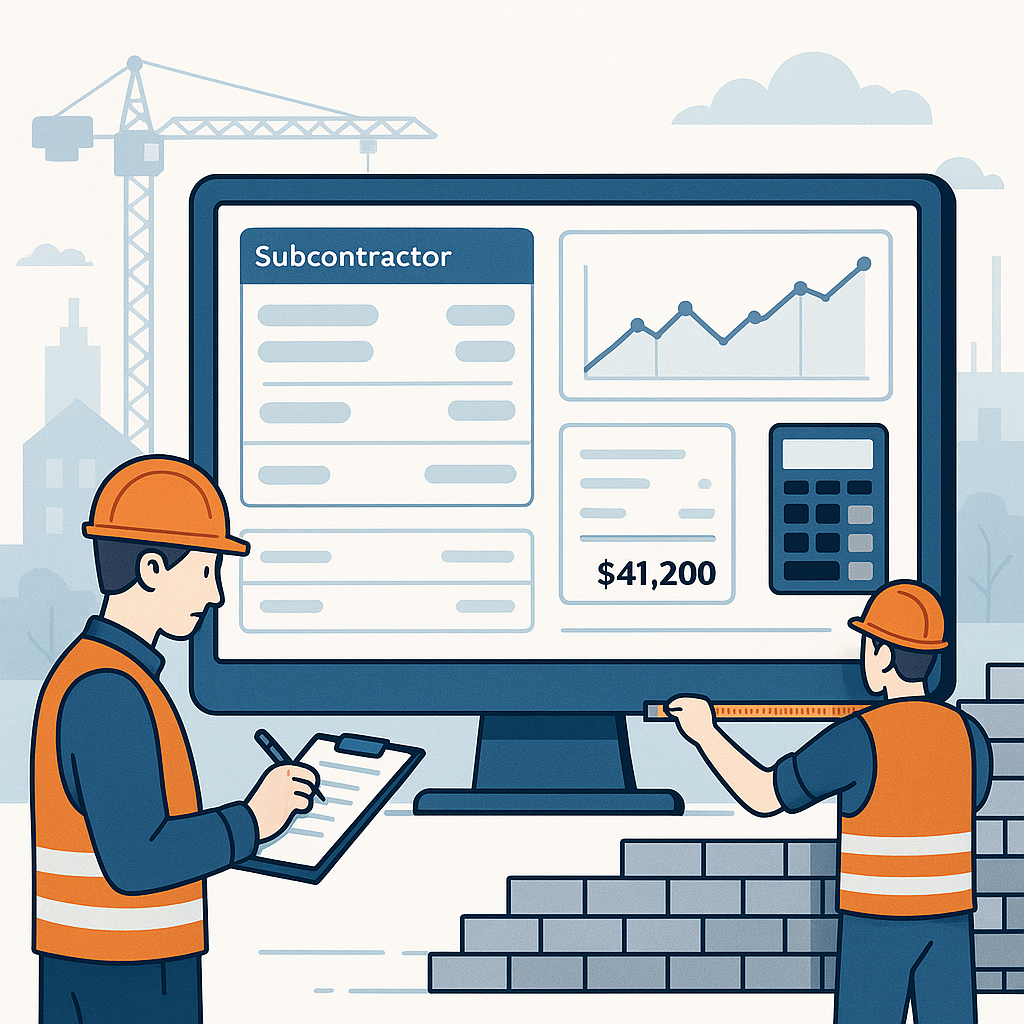
With dashboards and reports, you can track overdue invoices, payment aging, and cash flow in real time. This level of visibility helps you stay on top of your finances.
Case Study: How JobNext Fixed RA Billing for a ₹50 Cr Contractor
A mid-sized contractor handling 15 simultaneous projects implemented JobNext to address billing inefficiencies. Here’s what happened:
The Problem
- RA bills were delayed by an average of 10 days due to manual processes.
- Recoveries were often missed, leading to disputes with clients.
- Reconciling invoices with Tally took hours every week.
The Solution
- JobNext automated the measurement-to-invoice process, reducing RA bill preparation time from 10 days to 2 days.
- The system enforced recoveries automatically, eliminating disputes.
- Integration with Tally ensured statutory compliance without manual effort.
The Result
- Revenue leakage reduced by ₹18 lakh annually.
- Administrative workload reduced by 40%.
- Improved client relationships due to accurate, timely billing.
Why ERP Isn’t Optional Anymore
Some contractors believe they can solve these problems by hiring more people. While that might work temporarily, it doesn’t address the root cause: scalability. As your business grows, the complexity of managing multiple projects and clients increases exponentially. Manual systems can’t keep up.
Key Reasons to Switch to ERP:
- Scalability: ERP systems can handle 50 projects as easily as they handle 5.
- Visibility: Get a clear picture of your project finances in real time.
- Compliance: Stay GST/TDS compliant without extra effort.
- Cost Savings: Reduce revenue leakage and administrative overhead.
Actionable Steps to Implement an ERP
-
Assess Your Current Processes
- Identify bottlenecks in your billing process.
- Calculate how much revenue you’re losing due to inefficiencies.
-
Choose the Right ERP
- Look for features like multiple billing methods, measurement-to-invoice automation, and recovery enforcement.
- Ensure the system integrates with your existing tools like Tally.
-
Train Your Team
- Invest in proper training to ensure your team uses the ERP effectively.
- Set up workflows that mirror your current processes for a smoother transition.
-
Monitor Results
- Track key metrics like revenue leakage, billing cycle time, and payment delays.
- Use this data to continuously optimize your processes.
FAQ: Common Questions About Construction ERP for Billing
Q: Can ERP handle combined invoices across multiple projects?
A: Yes. JobNext supports combined billing, allowing you to consolidate invoices for the same customer across multiple projects. This is particularly useful for contractors managing large portfolios.
Q: Does ERP integrate with Tally for statutory compliance?
A: JobNext integrates seamlessly with Tally, ensuring GST/TDS compliance without manual re-entry.
Q: Can ERP handle GCC VAT regulations?
A: Absolutely. JobNext supports dual GST for India and GCC VAT for UAE, Oman, and Saudi Arabia.
Q: How long does it take to implement an ERP system?
A: Implementation timelines vary, but most contractors can go live with JobNext within 4-6 weeks.
Q: Is ERP suitable for small contractors?
A: Yes. While ERP systems are particularly beneficial for larger contractors, even small contractors can benefit from reduced revenue leakage and improved efficiency.
Comparison Table: Manual Billing vs. ERP-Driven Billing
| Feature | Manual Billing | ERP-Driven Billing |
|---|---|---|
| Billing Methods | Limited (1-2) | Comprehensive (6+) |
| Accuracy | Prone to errors | Automated and precise |
| Time Required for RA Bills | 8-10 days/project | 1-2 days/project |
| Recoveries and Deductions | Often missed | Enforced automatically |
| Integration with Tally | Manual re-entry | Seamless integration |
| Scalability | Breaks under multiple projects | Scales effortlessly |
Call to Action
If you’re tired of billing chaos and revenue leakage, it’s time to take control. A Construction ERP like JobNext can save you time, protect your margins, and ensure your business is ready for growth. Get started free →
Learn more at SoftNext Solutions