The Silent Killer: Procurement Chaos
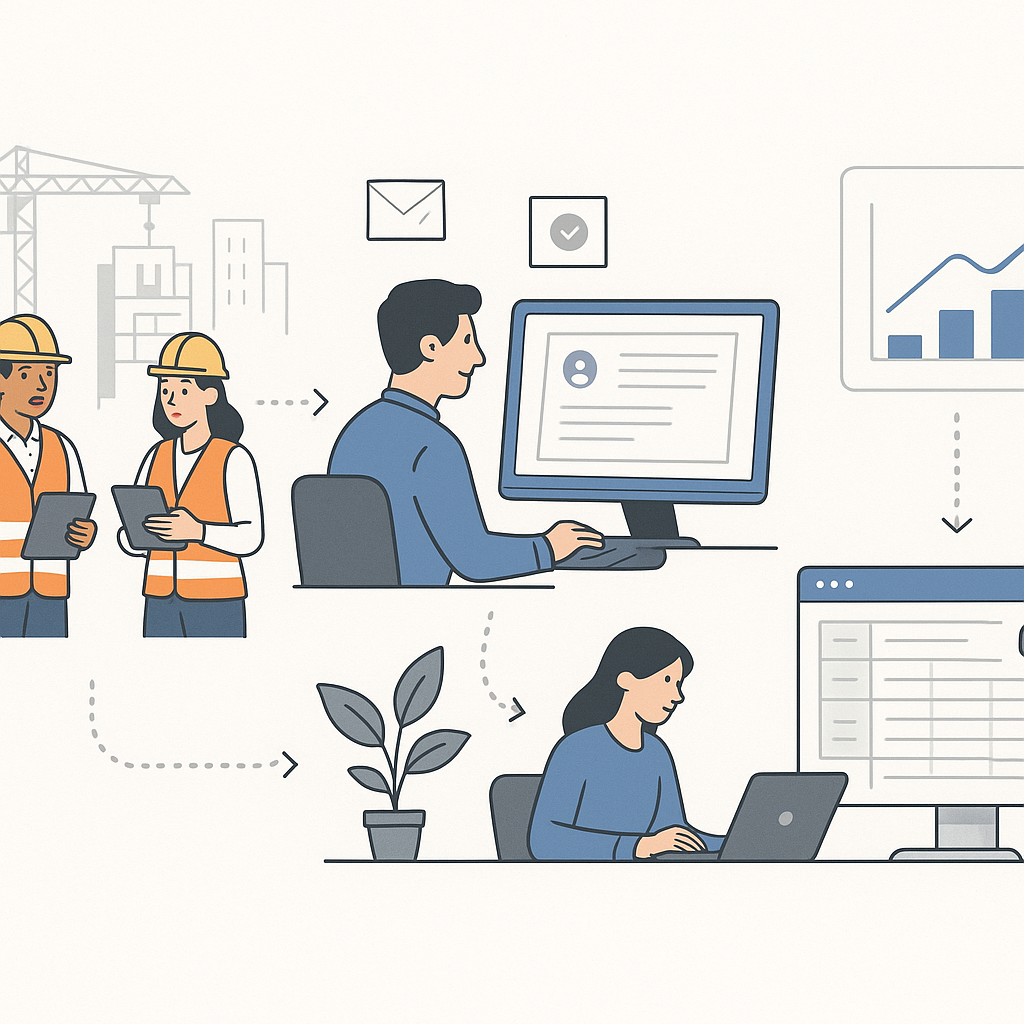
Procurement is messy for most contractors. You’ve got material requests (MRs) coming from multiple sites, approval delays, untracked RFQs, and vendors sending incomplete offers. By the time you raise a PO, the project timeline is already out of sync. Worse, you’re overpaying for materials because you didn’t compare offers effectively.
Sound familiar?
This chaos isn’t just frustrating—it’s expensive. A mid-sized contractor running 10–20 concurrent projects can lose ₹50 Lakh or more annually due to poor procurement workflows. That’s not just theory. SoftNext Solutions reported that contractors in India and GCC lose ₹1.2 crore annually to subcontractor cost overruns and procurement inefficiencies. The math is brutal.
What Procurement Chaos Looks Like in Practice
Let’s break this down further. Procurement chaos typically includes:
- Unclear Material Requests: Site teams are often unclear about quantities and specifications, leading to repeated back-and-forth communications.
- Missed RFQs: Procurement teams frequently forget to send RFQs to all vendors, or worse, they send them to vendors who don’t respond promptly.
- Incomplete Offers: Vendors fail to provide complete quotations, leaving procurement managers scrambling for clarifications.
- Approval Delays: Decision-makers don’t prioritize approvals, causing delays in order placement.
- Budget Overruns: Without real-time visibility, teams unknowingly exceed budgets.
These issues compound over time, creating a financial black hole. Imagine a large contractor handling 50+ simultaneous projects. Without a structured procurement workflow, they are practically hemorrhaging money due to inefficiencies.
Structured Workflows Solve the Problem
Here’s where a construction ERP like JobNext comes in. Instead of juggling spreadsheets, WhatsApp approvals, and late-night calls with vendors, you follow a structured MR → RFQ → Vendor Offers → PO workflow:
Step 1: Material Request (MR)
Site teams raise an MR directly in the system, specifying:
- Quantities
- Urgency
- Required delivery dates
The ERP standardizes these requests, ensuring that all necessary details are captured upfront. For example, if a site needs 500 bags of cement, the system will prompt the user to enter the grade, brand preference, and delivery deadline.
Step 2: Request for Quotation (RFQ)
Procurement teams send RFQs to pre-approved vendors. The ERP ensures vendor lists are accurate and tracks who responded. This eliminates the risk of sending RFQs to unreliable or unqualified vendors.
Actionable Tip: Use the ERP to categorize vendors based on past performance, pricing, and reliability. This allows you to prioritize vendors who consistently deliver quality materials at competitive prices.
Step 3: Vendor Offers
Offers are compared side-by-side within the ERP, highlighting:
- Price
- Delivery timelines
- Payment terms
This structured comparison prevents decision-makers from relying on gut instinct or incomplete data. For example, the system automatically flags vendors with shorter delivery timelines if the request is marked “urgent.”
Step 4: Purchase Order (PO)
Once approved, the PO is generated automatically, ensuring compliance with budgets and vendor agreements. The ERP also tracks whether vendors are meeting contractual obligations.
Real-World Examples
Case Study: HVAC Contractor in UAE
An HVAC contractor running 15 projects faced severe delays due to inefficient procurement workflows. Their procurement team spent 3 days chasing approvals for urgent orders. Worse, vendor offers were often incomplete, leading to delays and cost overruns.
Before ERP:
- Approval delays: 3 days
- Vendor quotes: Manually compared
- Cost overruns: ₹32 Lakh annually
After ERP Implementation:
- Approval turnaround: Less than 24 hours
- Vendor quotes: Automatically compared
- Cost savings: ₹32 Lakh in one financial year
Case Study: Residential Construction Firm in India
A mid-sized contractor managing 20 projects struggled with budget tracking and material wastage due to manual processes. RFQs were often sent to vendors who didn’t respond, leading to last-minute purchases at premium prices.
Before ERP:
- Budget overruns: ₹50 Lakh annually
- RFQ response rates: 60%
After ERP Implementation:
- Budget savings: ₹50 Lakh annually
- RFQ response rates: 95%
Why Manual Systems Don’t Work
You might be thinking, “We manage procurement on spreadsheets—it’s fine.” But here’s the problem:
1. No Real-Time Visibility
Spreadsheets don’t let you know what’s pending across sites. For example, if Site A urgently needs steel, Site B might unknowingly order the same quantity, leading to overstocking.
2. Missed Vendor Opportunities
Manual comparisons often overlook better pricing and terms from alternate vendors. An ERP ensures side-by-side comparison for every RFQ.
3. Approval Delays
WhatsApp and email aren’t approval systems. Decision-makers often miss messages or fail to act promptly. ERP systems streamline approvals with notifications and deadlines.
4. Untracked Budgets
Without a centralized system, it’s impossible to track spending in real time. ERP systems offer dashboards that flag overspending before it happens.
Actionable Tip: If you’re still using spreadsheets, analyze your procurement delays and budget overruns for the past year. Chances are, you’ve already lost lakhs to inefficiencies.
Decision Framework: ERP vs. Manual Systems
| Feature | Manual Systems | ERP Systems |
|---|---|---|
| Real-Time Visibility | No | Yes |
| Vendor Comparison | Manual | Automated |
| Approval Workflow | WhatsApp/Email | Integrated Notifications |
| Budget Tracking | Limited | Real-Time Dashboards |
| Data Security | Low | High |
| Annual Cost Savings | ₹0 | ₹30–50 Lakh |
FAQs
1. How does ERP ensure vendor compliance?
ERP platforms like JobNext allow you to create pre-approved vendor lists. RFQs are sent only to vendors who meet your compliance standards, reducing risk. Additionally, the system tracks vendor performance metrics such as delivery timelines, pricing consistency, and adherence to contracts.
2. What if my procurement involves urgent orders?
The system flags urgent MRs and prioritizes them in the workflow, ensuring faster approvals and vendor responses. For example, urgent requests can bypass non-critical approvals to save time.
3. Can ERP integrate with my existing accounting software?
Yes. JobNext integrates with Tally for GST/TDS compliance and statutory reporting, so your procurement data flows seamlessly into finance. Other integrations include QuickBooks and SAP for larger enterprises.
4. How much does an ERP system cost?
ERP pricing depends on the size of your company and the number of users. For mid-sized contractors, ERP systems like JobNext typically cost ₹5–₹15 Lakh annually. However, the savings in procurement inefficiencies often exceed the cost.
5. Is ERP difficult to implement?
Modern ERP systems are designed for ease of use. JobNext, for example, offers onboarding support, training sessions, and a dedicated help desk to ensure your team adapts quickly.
Conclusion
If procurement chaos is bleeding your margins, structured workflows are non-negotiable. ERP systems like JobNext don’t just organize your procurement—they save real money. Whether you’re running 5 projects or 50, the right system can cut procurement turnaround times, eliminate budget overruns, and streamline vendor management.
Stop losing money on inefficiencies. The sooner you implement structured workflows, the faster you’ll see results.
Learn more at SoftNext Solutions